

What fits in 50 KB
A modern phone photo is usually several megabytes, so getting under 50 KB almost always means making the image smaller in pixels as well as lowering JPG quality. How small depends on the picture: smooth backgrounds compress far better than foliage, text or grain.
The result panel shows the final dimensions and quality, so you can judge whether it still looks right before you download.
Tips for a sharper 50 KB image
- Crop away empty space before compressing — fewer pixels means more quality per pixel.
- Choose JPG output for photos; PNG at 50 KB will be very small in dimensions.
- If the site allows 100 KB, use that instead — the difference in sharpness is visible.
How the target-size compression works
- Your browser decodes the image (EXIF orientation is applied, metadata is not carried over).
- For JPG output we search for the highest encoder quality between 60% and 95% that fits under your target.
- If even 60% quality is too large, we reduce the pixel dimensions just enough to fit at 60%. Below about 60%, JPG shows blocky artefacts, so a slightly smaller, clean image is the better trade. Only for very small targets does quality go lower, never below 30%.
- The search stops after a fixed number of attempts or about 20 seconds, so a phone never locks up. If the target was not reached, you get the closest result and an honest warning.
Frequently asked questions
Why did my image get smaller in width and height?
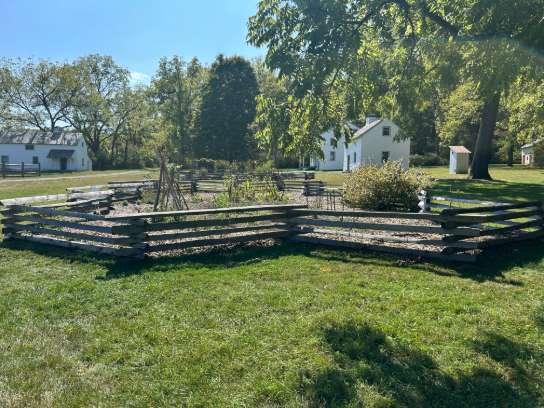
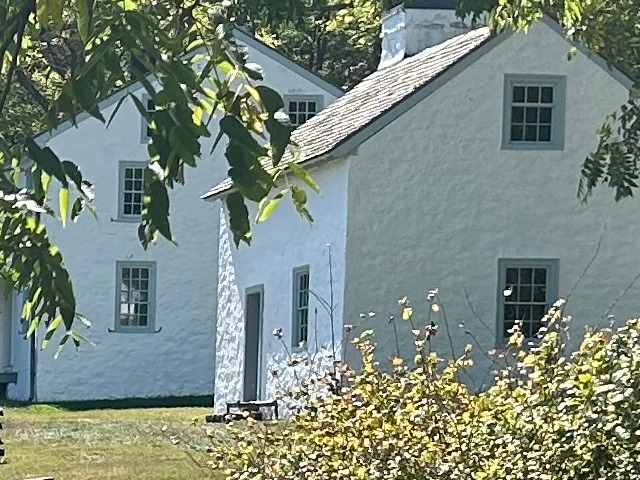
Below about 60% quality, JPG starts to show blocky artefacts. Instead of going lower, the tool reduces the pixel dimensions, which looks cleaner at 50 KB. In our real example, a 12-megapixel phone photo ends up 544 px wide at 60% quality.
Is my image uploaded to a server?
No. The image is read into your browser’s memory, compressed with the browser’s own canvas encoder, and handed back to you as a download. There is no upload endpoint at all. You can check this yourself in your browser’s developer tools (Network tab) — the privacy page shows how.
What if the image can’t get under the target?
You’ll see the closest size we managed and a clear message that the target was not reached. We never label a file as “done” when it is over the limit. Larger targets, JPG output or a smaller source image usually solve it.
Will the result be accepted by the site I’m uploading to?
This tool changes file size and pixel dimensions only. It does not check whether a photo meets any organisation’s or form’s content rules (background, framing, etc.). Always check the requirements of the site you are uploading to.